From the whiteboard to a running timer
Snap a photo of the board, upload a screenshot from your gym's app or paste the text. SnapWOD builds every part, round and rest, so you can just train.


- EMOM
- AMRAP
- For Time
- Intervals
- Tabata
- Work:Rest
- Multi-part
Snap. Check. Go.
Less time setting up timers, more time training. Here's a real board going through the app.
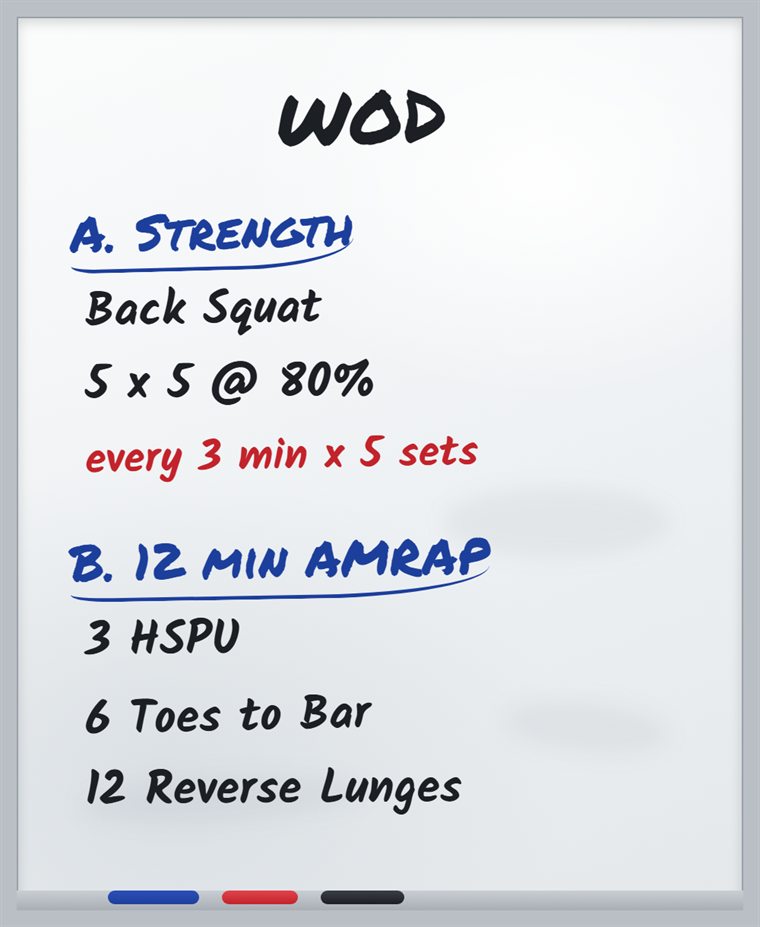
Snap the board
Take a photo, upload a screenshot from your gym's app, or paste the text.
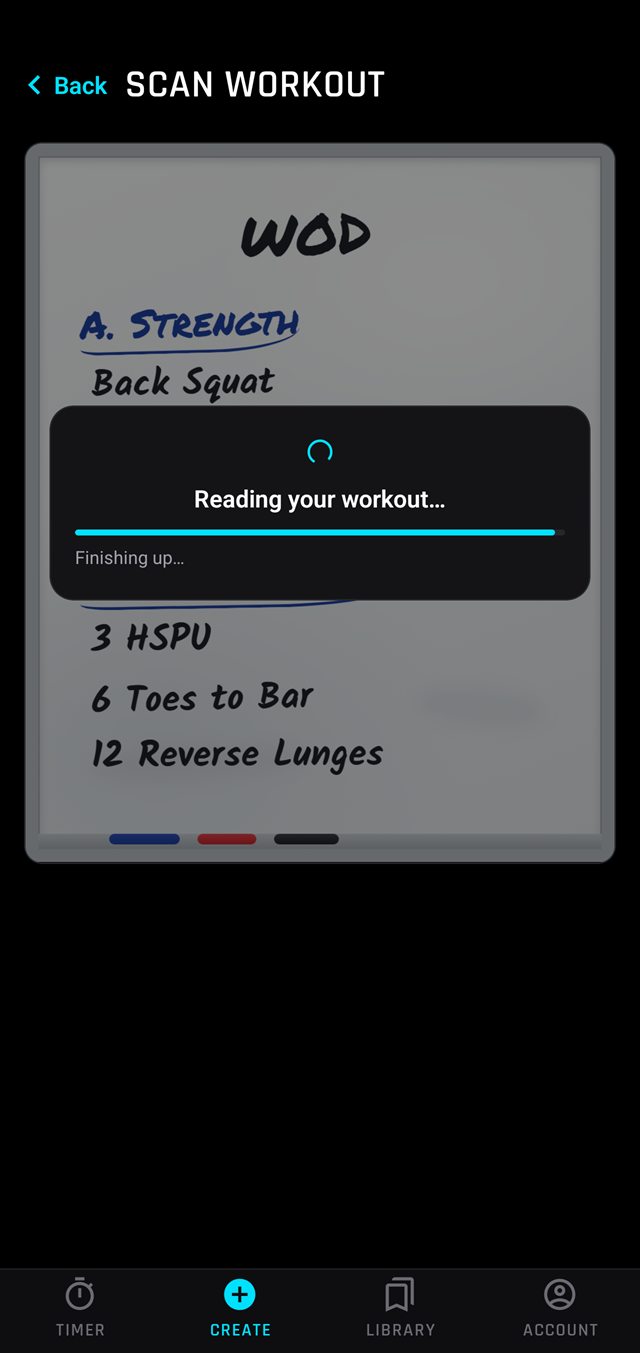
SnapWOD reads it
Parts, rounds, work and rest are worked out for you in seconds.
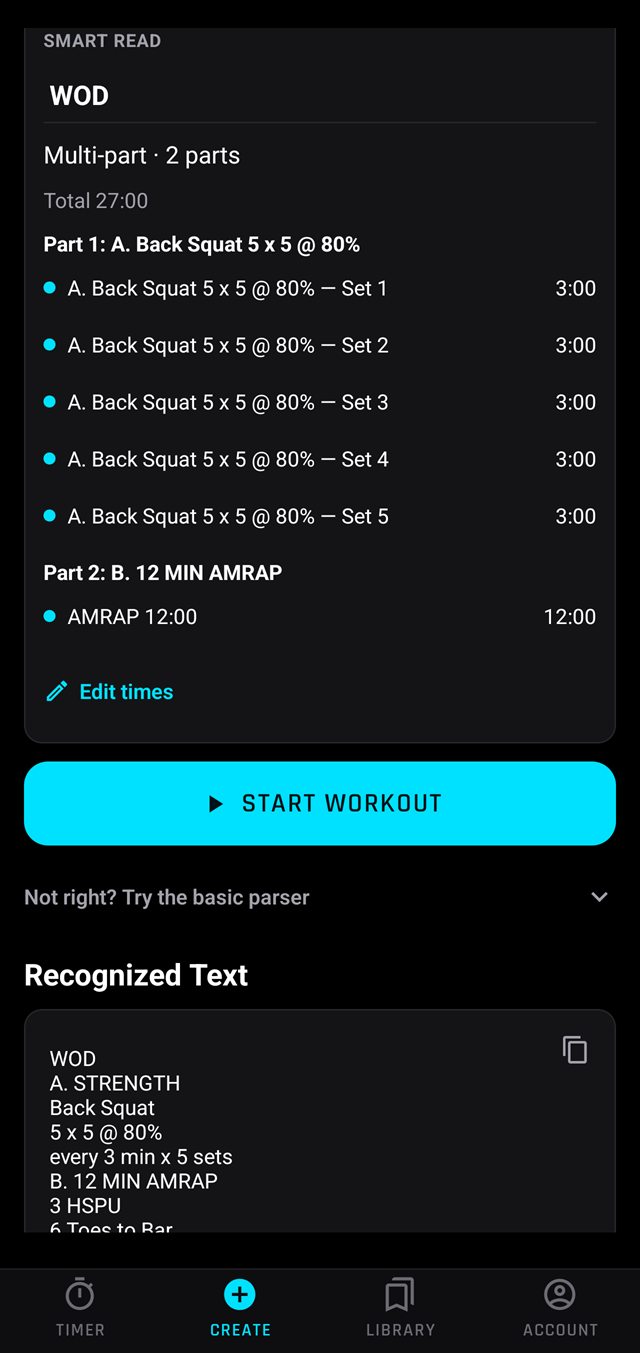
Check the preview
See every part and time at a glance. Adjust anything, then hit start.
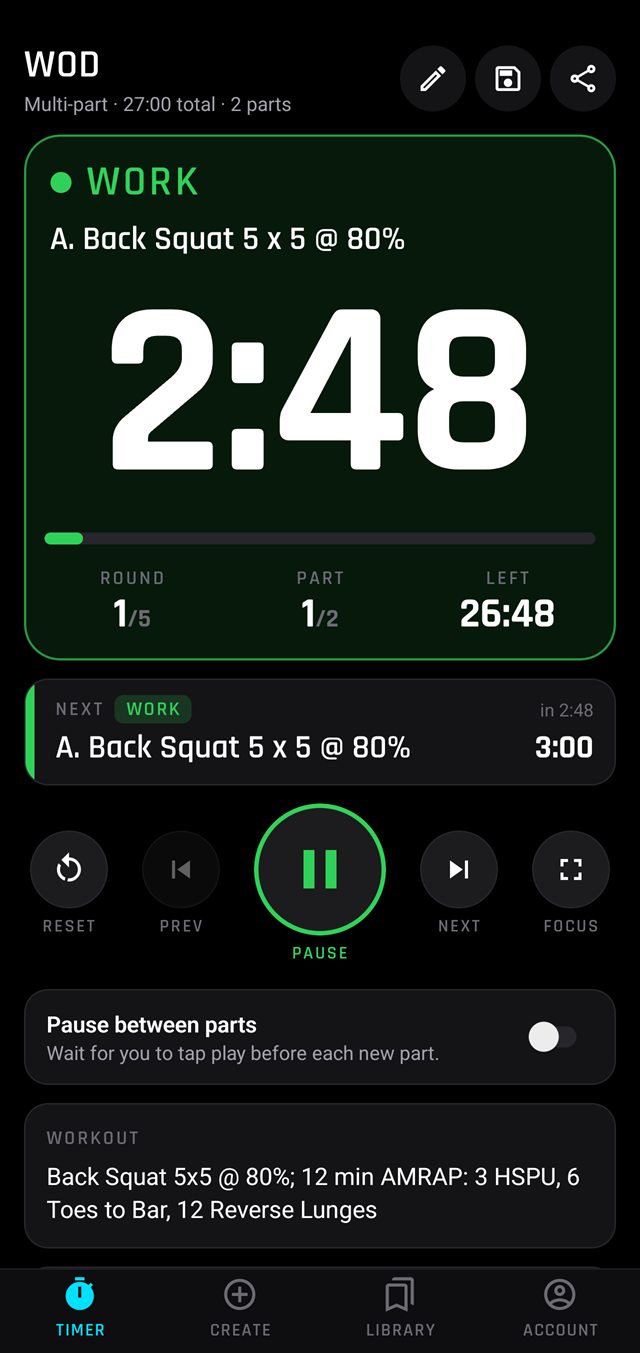
Just train
The clock moves through every set and part on its own, with beeps to keep you on time.
Readable from across the gym
Built for a phone propped against a plate, not held in your hand.
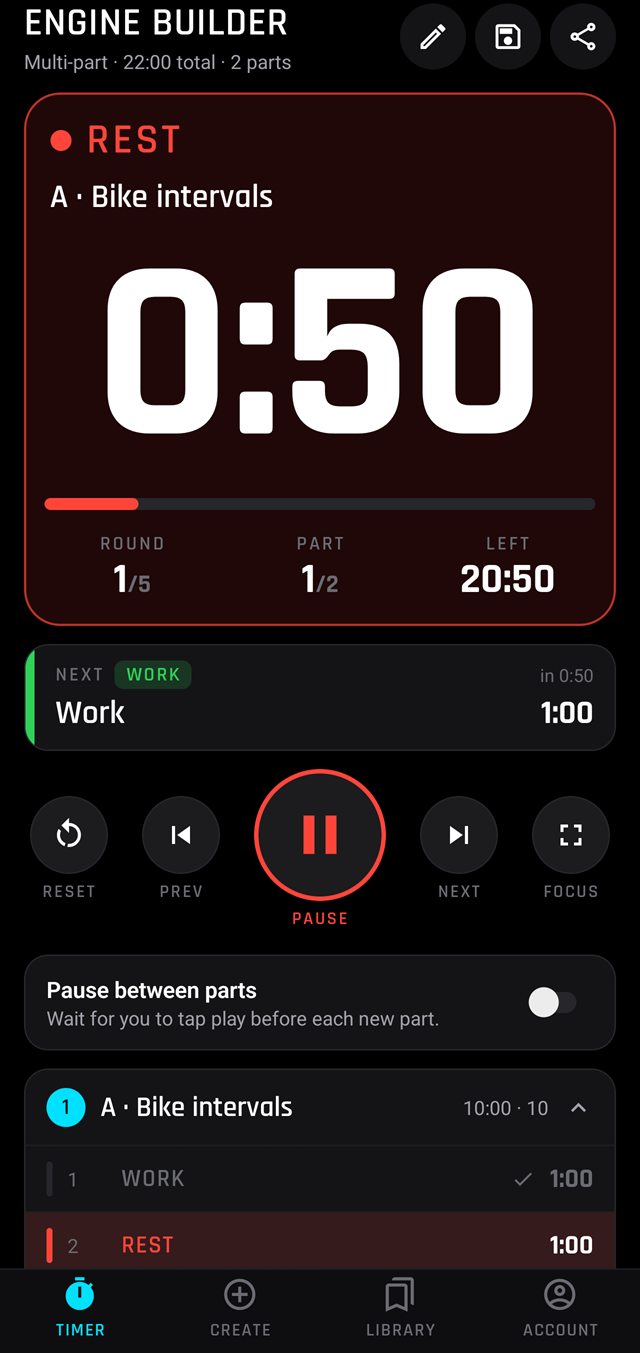
- Giant colour-coded clock: green for work, red for rest
- What's next always on screen
- Loud 3-2-1 beeps and a distraction-free focus mode
- Keeps counting on your lock screen
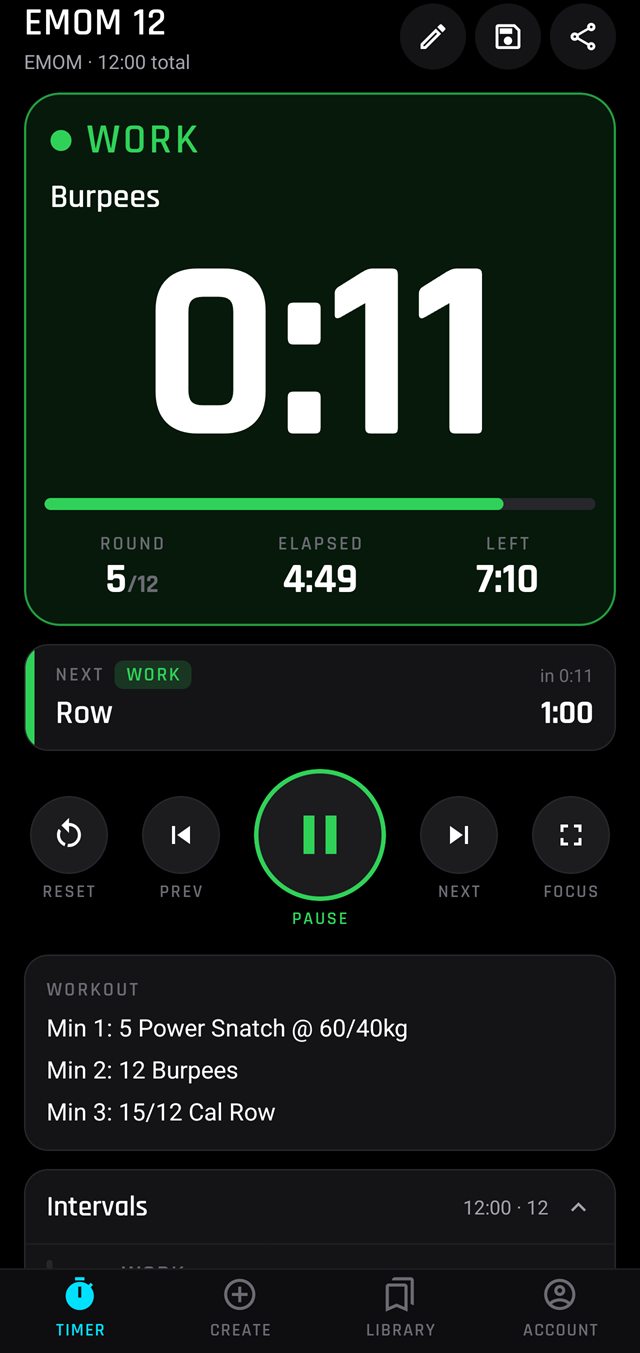
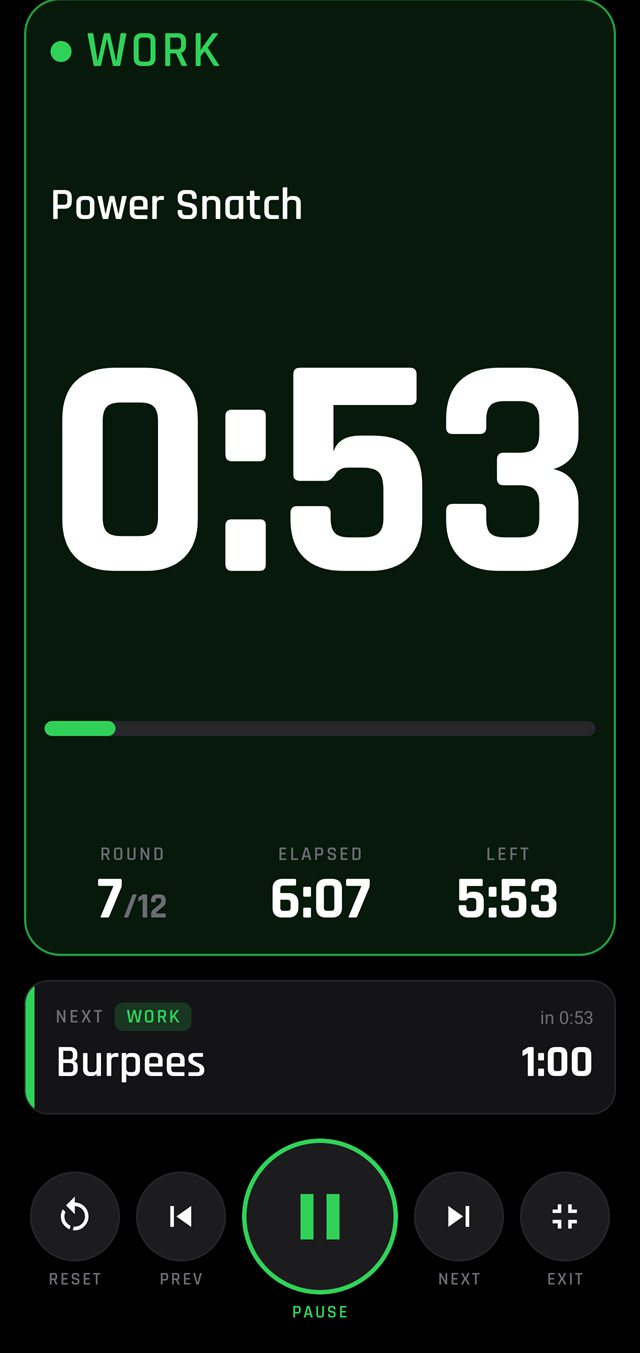
Every format, every part
From a quick Tabata to a full strength-plus-conditioning session.
- EMOM and every-X-minutes, AMRAP, For Time with a cap, intervals, Tabata and work:rest ratios
- Multi-part sessions with rest built in
- Understands real programming like "every 3 min x 5" and "2 sets: A, B, C"
- Prefer to set it up yourself? Build any timer by hand
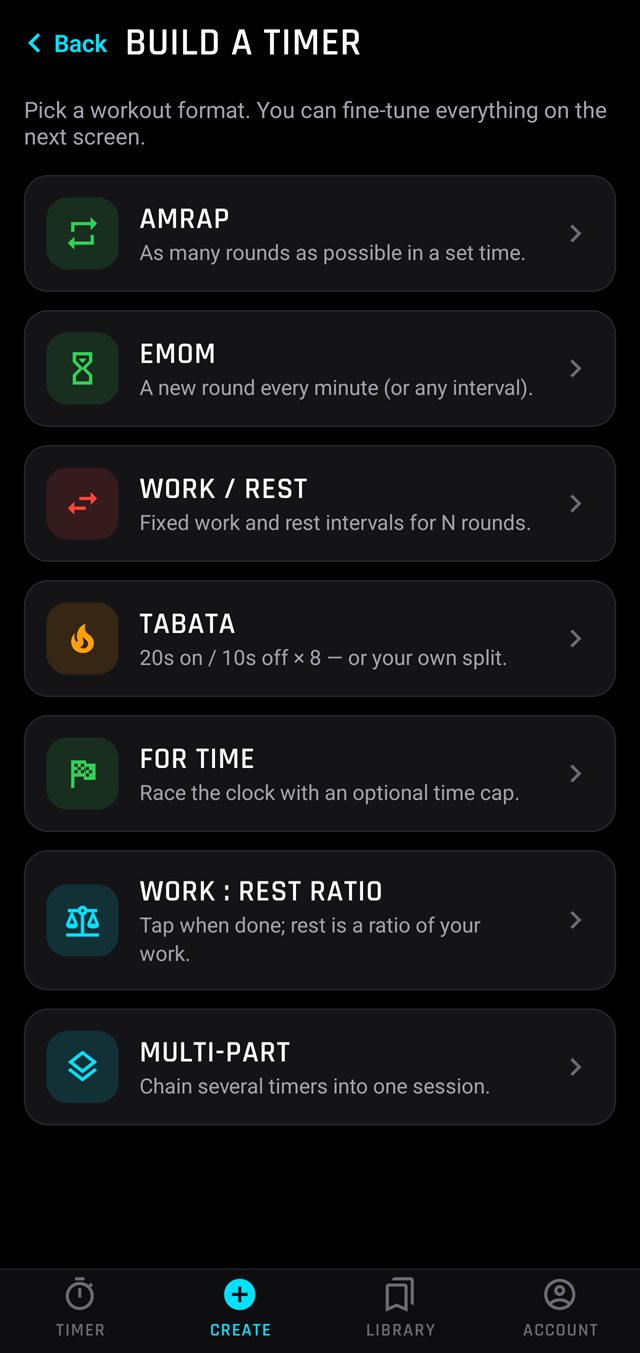
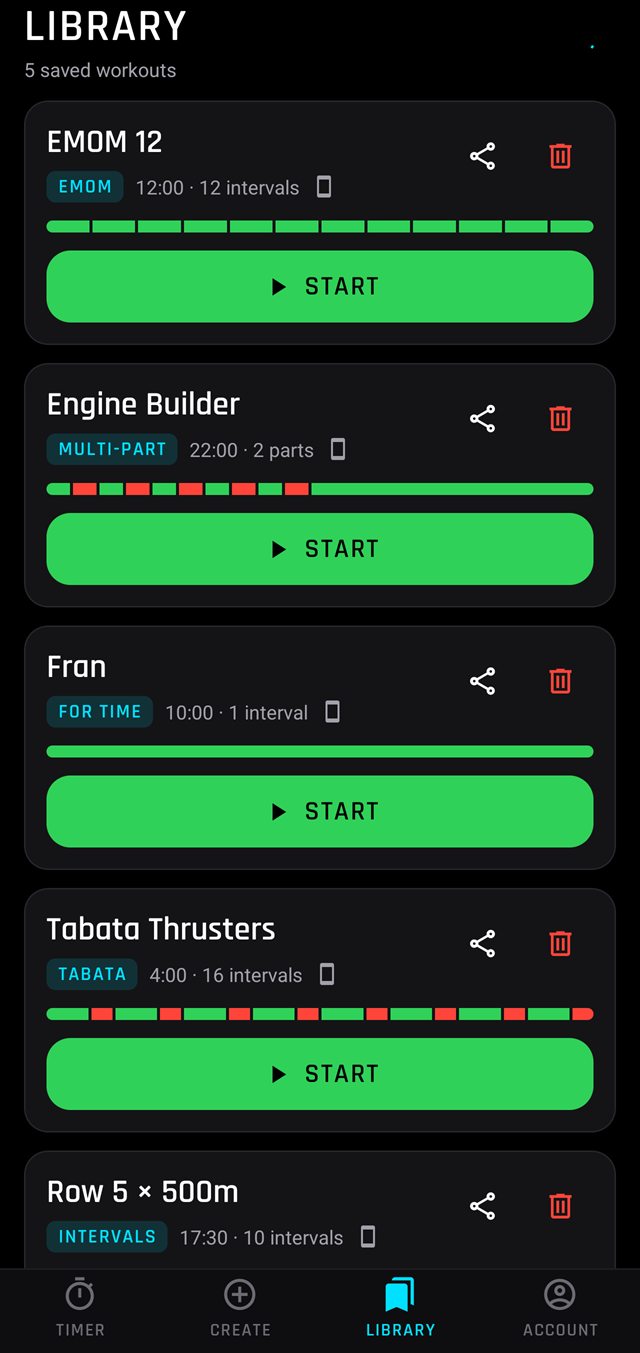
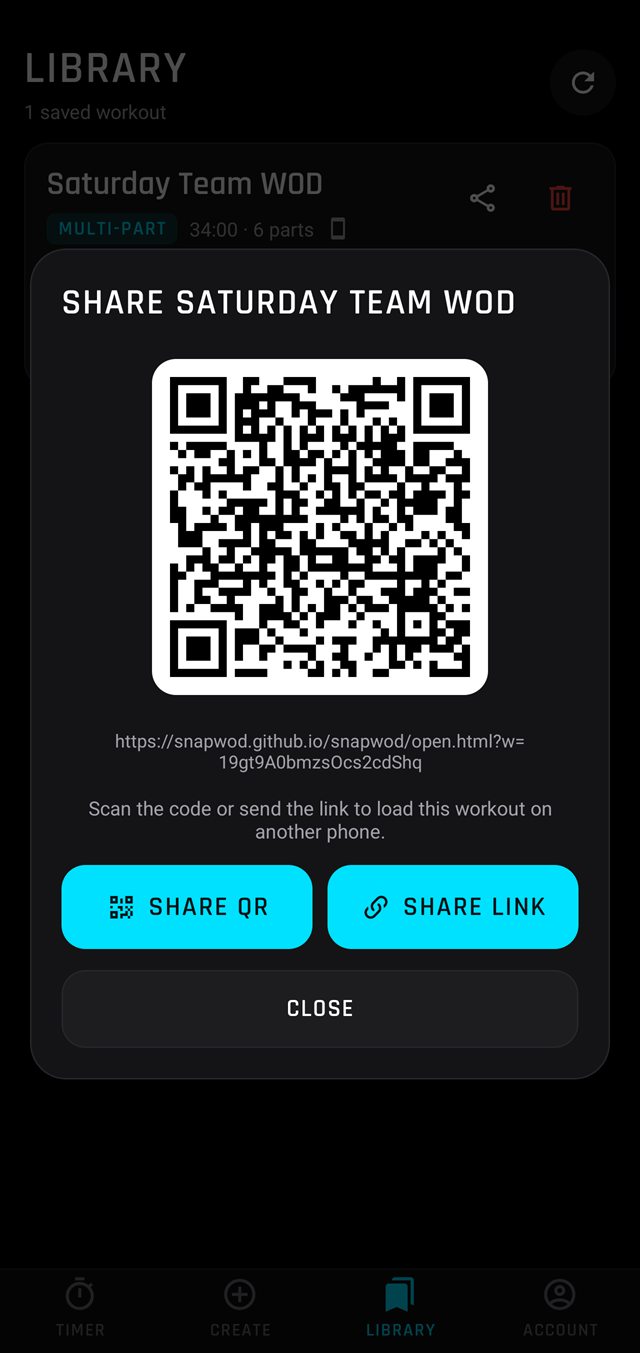
Save it. Share it.
Keep your go-to workouts and send any of them to friends, training partners or your whole class.
- Start a saved workout with one tap
- Share with a link or QR code
- Everyone runs the exact same timer
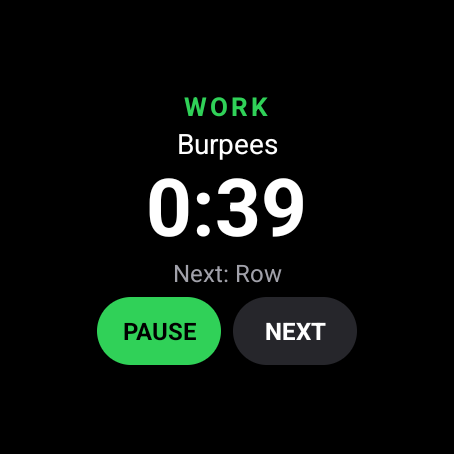
Keep your eyes on the work
Glance at your wrist instead of hunting for your phone.
- Apple Watch: follow the countdown in the Smart Stack
- iPhone: lock screen and Dynamic Island
- Wear OS companion app coming soon
Made for how you actually train
Not a generic interval clock: SnapWOD understands the structure behind the workout.
CrossFit-style training
Turn the daily WOD into a timer without rewriting it. Strength sets, metcons and finishers in one flow.
HYROX-style sessions
Runs, stations, intervals and race-prep circuits, with the rest worked out for you.
Coaches & classes
Put the board on the clock in seconds, and share it so every athlete runs the same timer.
Free to start training
Everything you need for a great timer is free. Premium is for people who scan every day.
Free
Download and train, no account needed
- Every timer format, built by hand
- Device mode: reads simple workouts offline, unlimited
- Free smart reads every month
- Save up to 3 workouts
Premium
Subscription in the app
- Up to 100 smart reads a month
- Save up to 30 workouts, backed up to the cloud
- Share workouts with a link or QR code
Questions
Is SnapWOD free?
Yes. SnapWOD is free to download, and you can build and run any timer for free, offline. You also get free smart reads every month. Premium adds more smart reads, more saved workouts with cloud backup, and sharing.
What's a smart read?
A smart read is when SnapWOD reads a photo, screenshot or pasted text and builds the timer for you, including multi-part sessions, sets, rounds and rest. You always see a preview first and can adjust any time before you start.
Do I need an account?
No. You can use SnapWOD as a guest, including smart reads and buying Premium. Signing in with Apple, Google or email is optional and keeps your Premium and saved workouts across devices.
Does it work offline?
Yes. Timers run without a connection, and device mode reads simple workouts offline. Smart mode needs an internet connection.
Will the timer keep going when my phone locks?
Yes. The countdown keeps running on your lock screen with 3-2-1 beeps, and on iPhone it also shows in the Dynamic Island and on a paired Apple Watch.
Which devices are supported?
iPhone with iOS 16.0 or later, and Android phones via Google Play.
Is SnapWOD affiliated with CrossFit or HYROX?
No. SnapWOD is an independent app for people who do CrossFit-style and HYROX-style training. CrossFit and HYROX are trademarks of their respective owners.
Snap the board. Start the clock.
Free on iPhone and Android. Train with structure, not guesswork.